iPhone and Android
Always know what is left.Never start from zero.
Budgets die when the typing stops and when the month resets. Yavo fills the limits by itself and closes the month in a few taps instead of a reckoning.
Free to try. Cancel anytime.
How it works
Set a monthly budget and limits
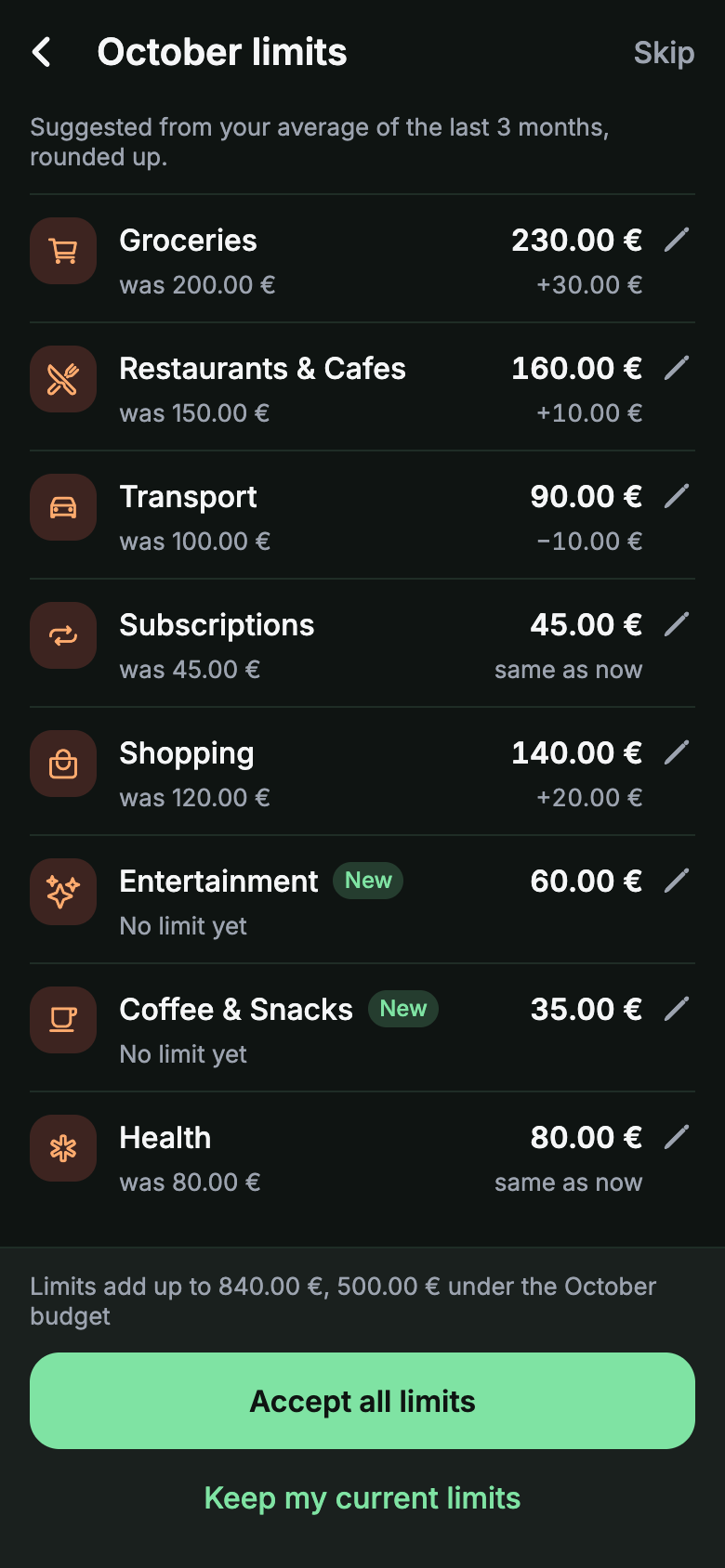
Pick a limit per category, or take the ones Yavo suggests from how you actually spend.
Spending counts against the limits by itself
Apple Pay taps, statements, receipts and voice entries all land in the right category and update what is left.
Close the month in a few taps
Carry leftover money into the next month or move it to a goal, then review the suggested limits for the month ahead.
Honest limits
- Suggested limits need a month or two of spending to be useful. Until then, set them by hand.
- Yavo is not zero-based budgeting. Money that is not assigned to a category simply stays unassigned.
Questions
Nothing to type.Nothing to connect.
Apple Pay taps in stores, statements by email, receipt photos and voice, all counting against a budget you can actually keep.
Free to try. Cancel anytime.