Apple Pay in stores
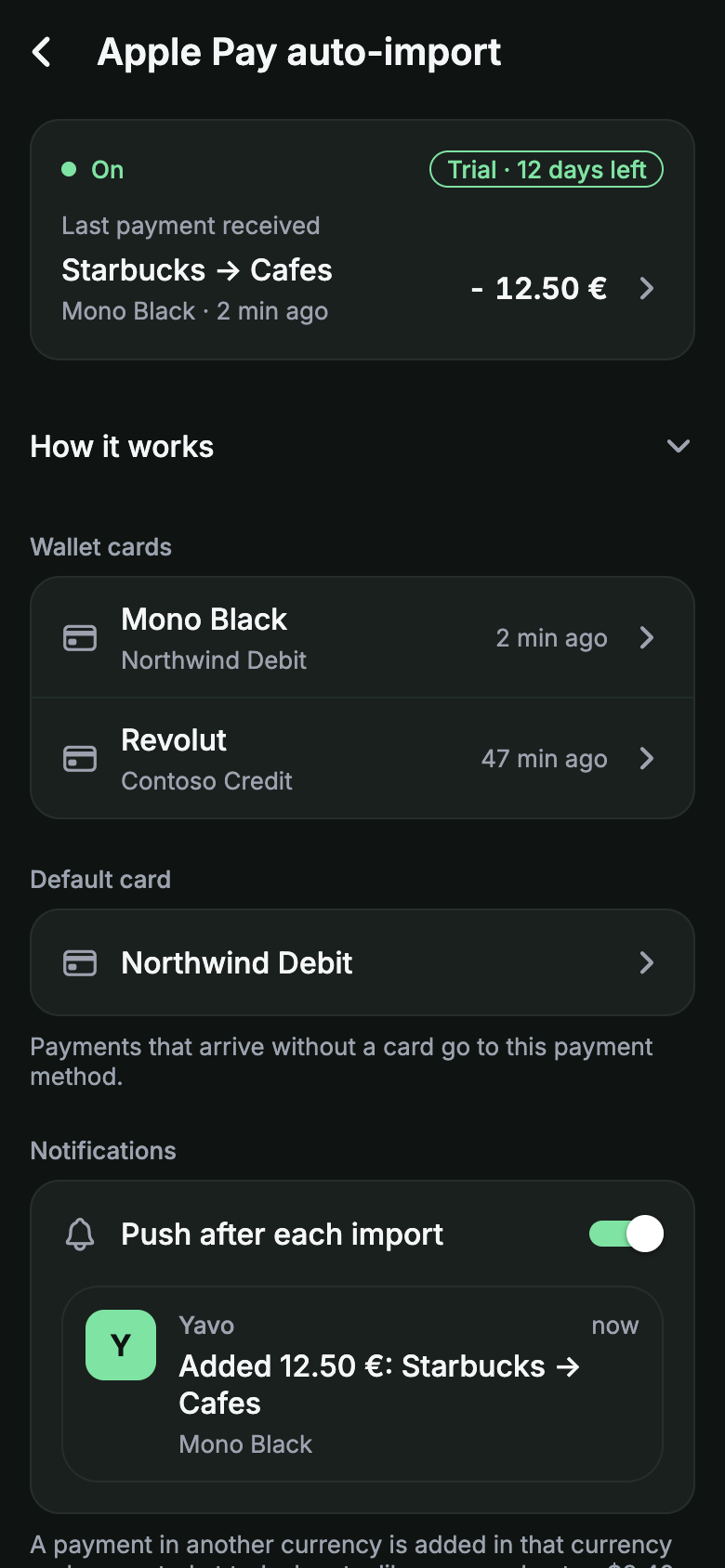
Tap to pay like always, and the purchase logs itself. One-time setup in the Shortcuts app. iPhone.
How the Apple Pay setup works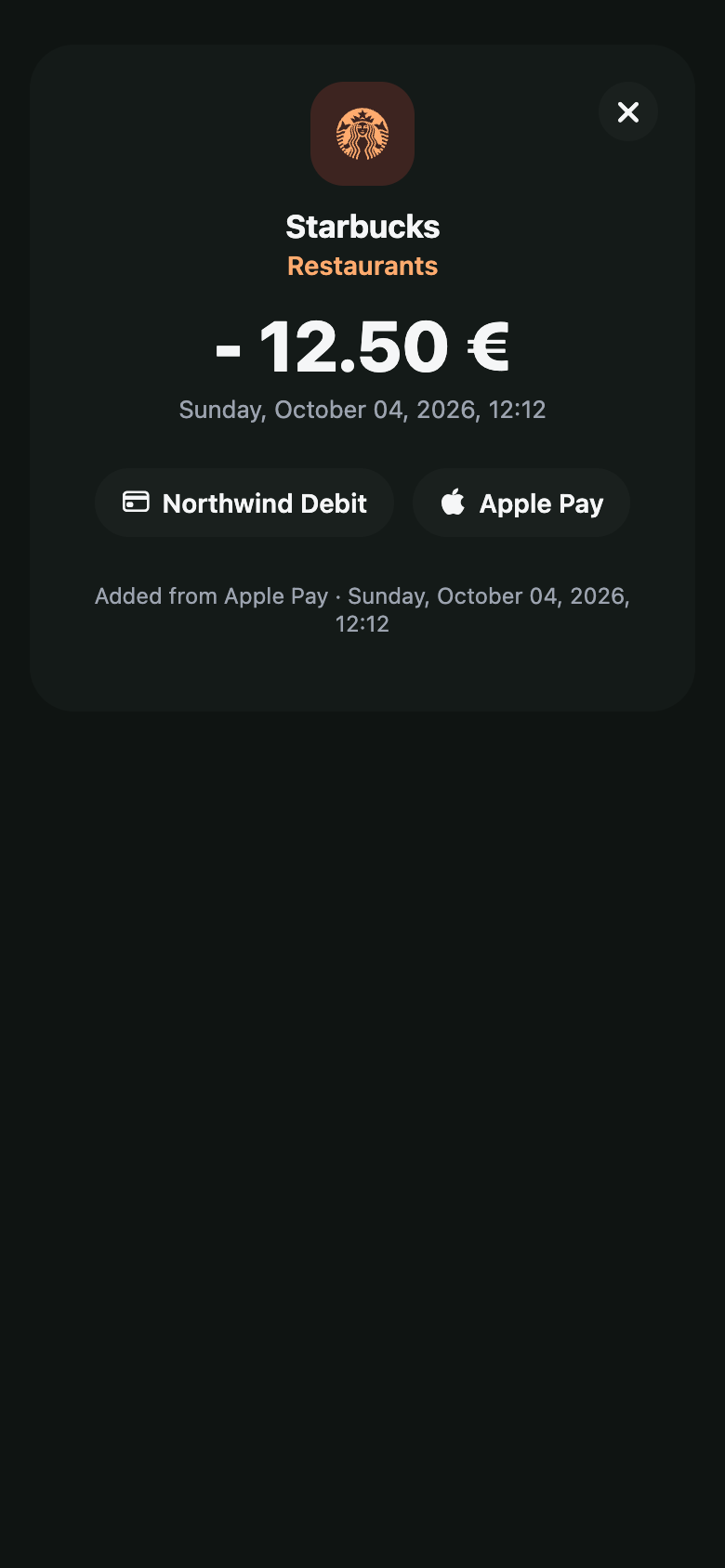
yavo.
Most budgets die of typing. Yavo logs your spending by itself: Apple Pay taps in stores, statements by email, receipts and voice. No bank login, ever.
Free to start. Premium removes the limits.
Tap to pay like always, and the purchase logs itself. One-time setup in the Shortcuts app. iPhone.
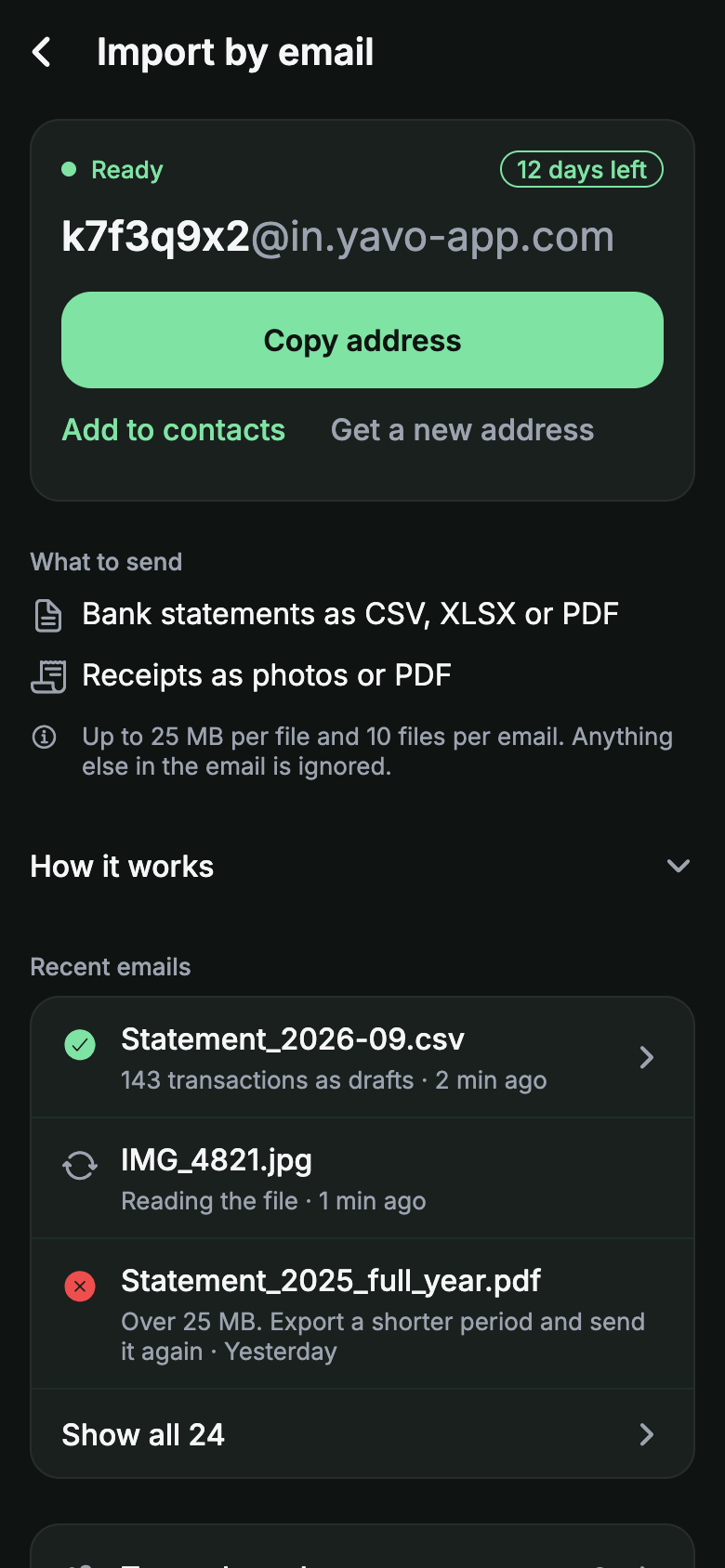
Online orders and your other cards come in this way: email a CSV, XLSX or PDF statement to your Yavo address. iPhone and Android.
Cash or card, a photo of the receipt is enough. Yavo reads the merchant, the date and the total. iPhone and Android.
Say what you spent while you still remember. Yavo logs it with a category. iPhone and Android.
Left to spend
It comes in on its own.
Tap to pay like always, and the purchase logs itself. One-time setup in the Shortcuts app. iPhone.
How the Apple Pay setup worksOnline orders and your other cards come in this way: email a CSV, XLSX or PDF statement to your Yavo address. iPhone and Android.
Which statements work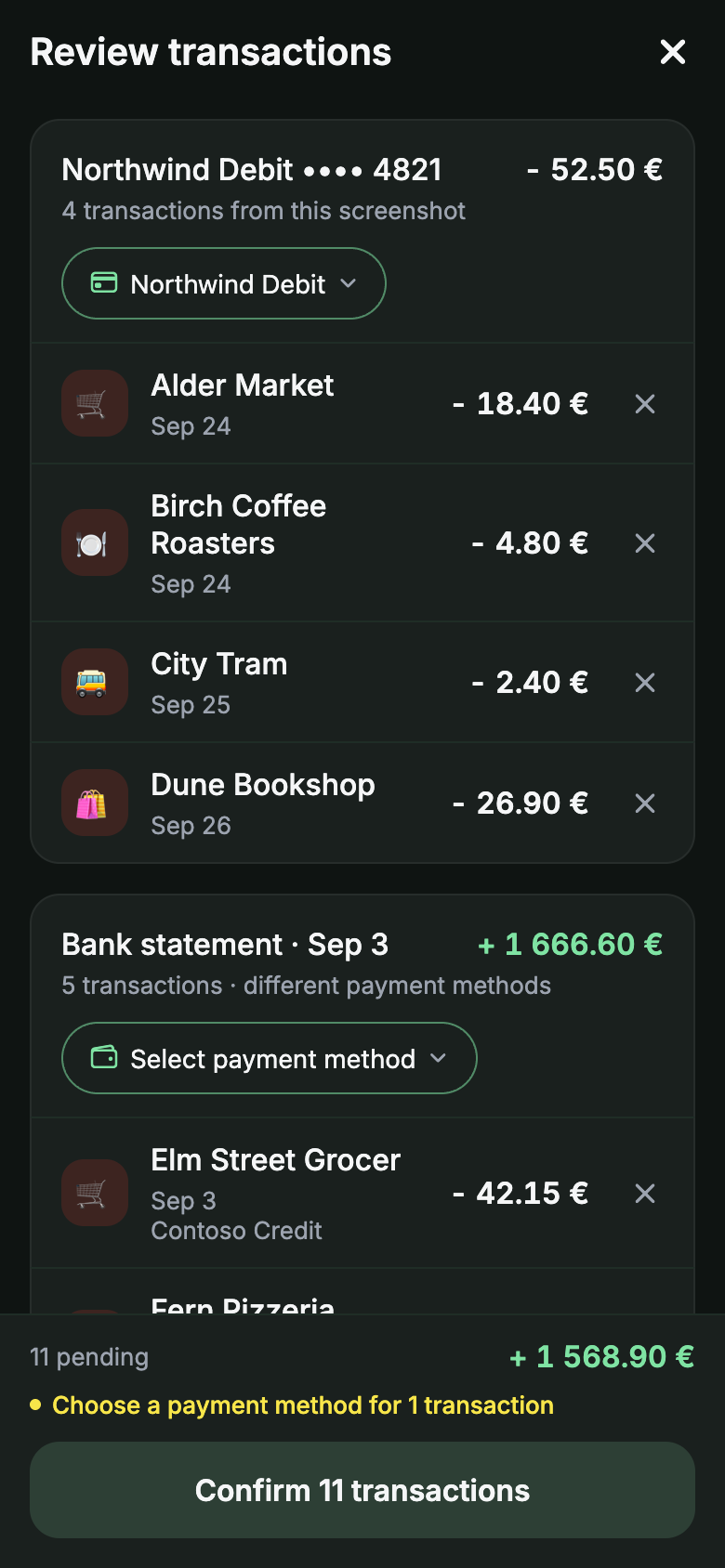
Cash or card, a photo of the receipt is enough. Yavo reads the merchant, the date and the total. iPhone and Android.
How forwarding receipts worksNopa
TueDinner
Total$86.00
merchant · date · total
Say what you spent while you still remember. Yavo logs it with a category. iPhone and Android.
“Twelve forty-nine at Walgreens, pharmacy.”
WalgreensPharmacy-$12.49
Small taps are the purchases nobody writes down. Set up Shortcuts once, and every in-store Apple Pay payment logs itself.
How the Apple Pay setup works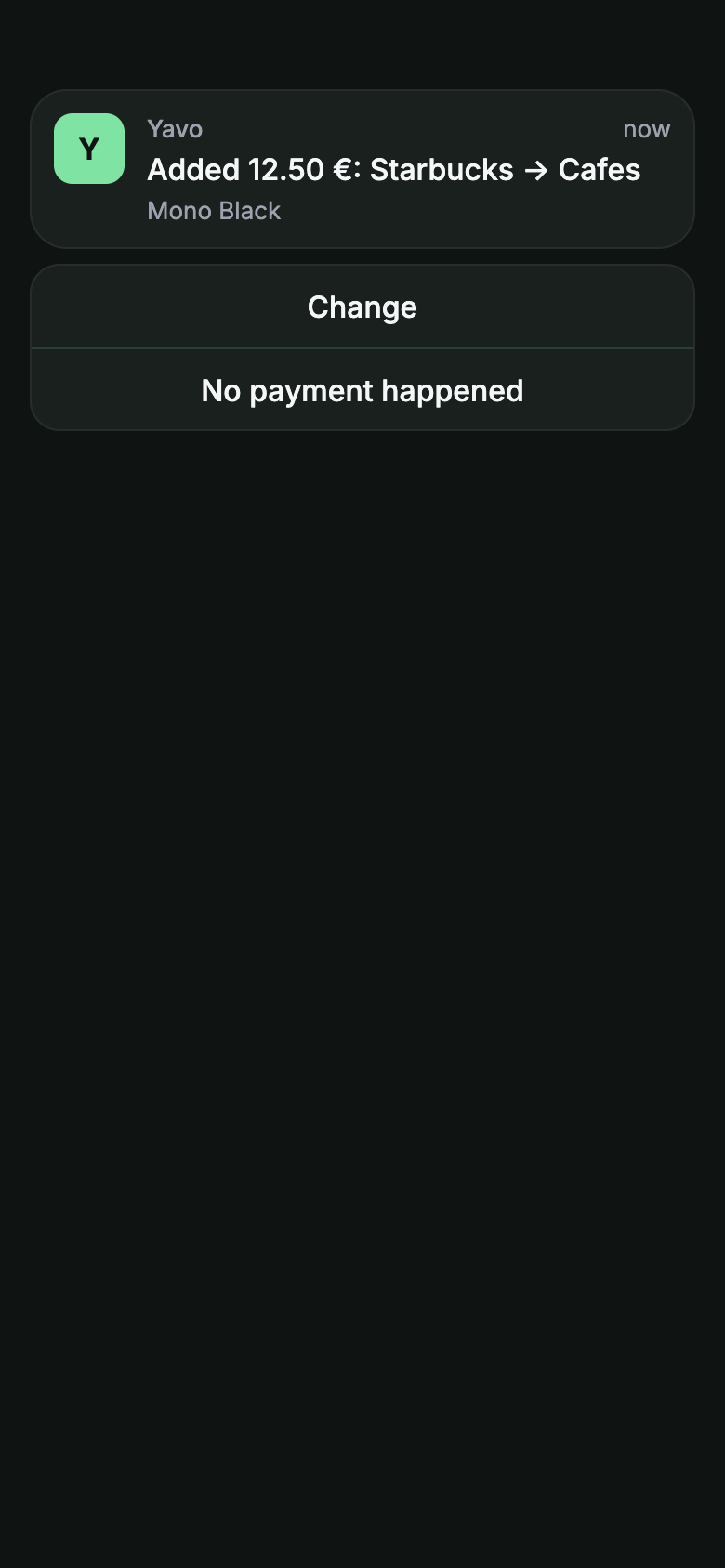
At the terminal
You pay with Apple PayYou
A coffee, groceries, the pharmacy. You hold your iPhone to the terminal like always.
Seconds later
The shortcut runs by itselfiOS
iOS notices the payment and runs the Yavo shortcut in the background. Nothing to open, nothing to confirm.
In your budget
It appears in Yavo, with a categoryYavo
The merchant and the amount land in your feed and count against your category limit for the month.
Blue Bottle Coffee · Coffee-$4.80
Coffee. $1,279.40 left this month.
Works for Apple Pay taps in stores on iPhone with iOS 17 or later. Online purchases and other cards come in through statements by email.
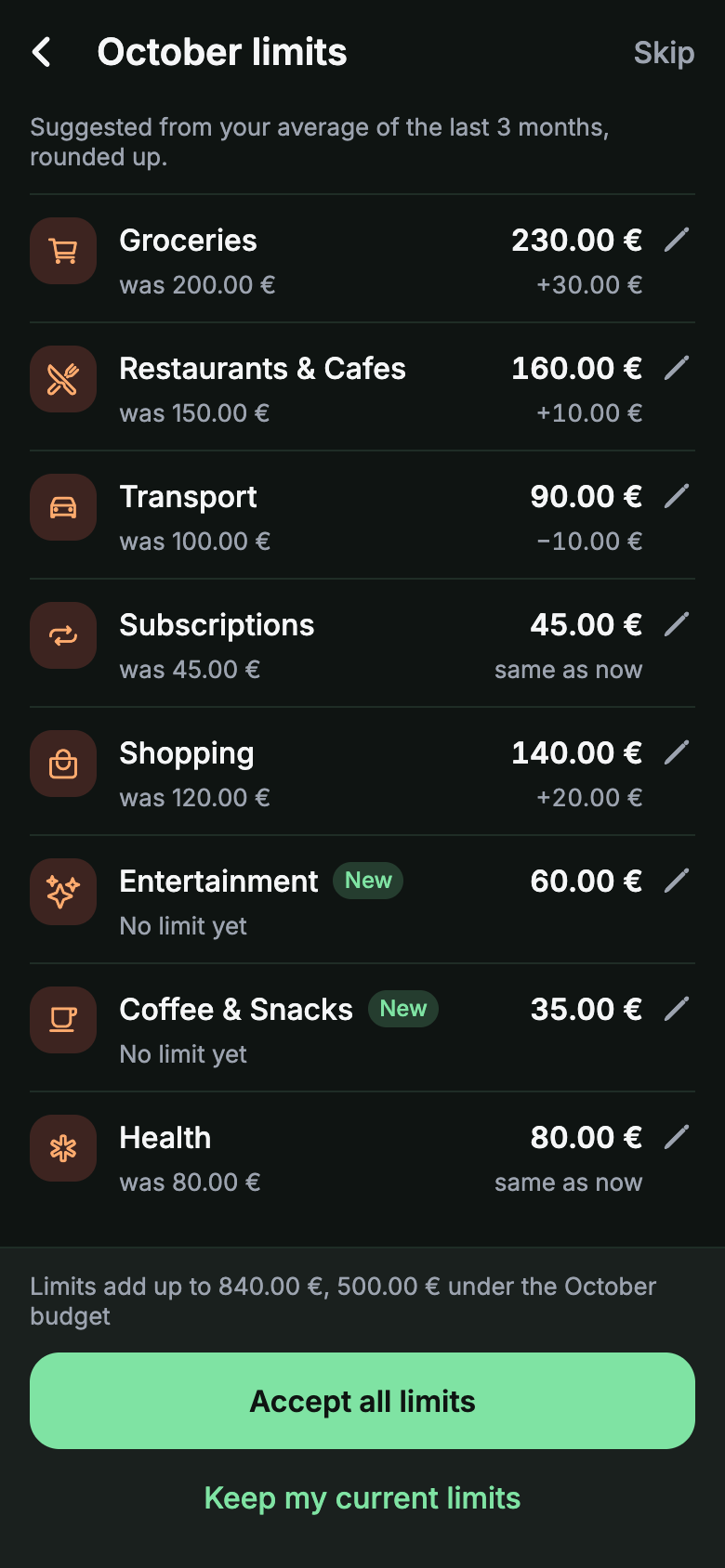
A monthly budget with a limit per category, suggested from how you actually spend. Everything that comes in counts against it by itself.
Most budget apps log in to your bank for you. Yavo does not, on purpose, and still fills itself.
Nothing to connect, renew or revoke. Yavo never asks for your online banking password. There is no bank connection, so nothing stands between you and your bank.
You choose what comes in. Apple Pay taps, the statements you send, the receipts you photograph. Nothing else is read.
Your data leaves when you do. Delete your account in the app and your transactions, receipts and reports are deleted with it.
Made by a small independent team.
Prices and trials of the other apps as published on each app's pricing page, checked on 5 October 2026.
| Yavo | YNAB | Monarch | Copilot | |
|---|---|---|---|---|
| Works without a bank login | Yes | Manual entry only | Manual entry only | Manual entry only |
| Automatic capture without a bank login | Apple Pay, statements by email | No | No | No |
| Free plan | Free with limits | 34-day trial | 7-day trial | 1-month trial |
| Yearly price | $39.99 | $109 | $99.99 | $95 |
| Android app | Yes | Yes | Yes | No |
YNAB and Copilot prices from ynab.com/pricing and copilot.money/pricing. Monarch price from third-party coverage, to confirm against monarch.com. In YNAB, Monarch and Copilot, automatic import means linking a bank account; each also allows manual entry.
Some features have a free limit. Premium removes them.
per year
About $3.33 a month, 44% less than paying monthly. Monthly: $5.99 per month.
30% off your first year with the code YAVO30: $27.99 instead of $39.99. Redeem it in the app.
Payment is charged to your Apple Account or Google Play account when you confirm the purchase. The subscription renews automatically unless cancelled at least 24 hours before the end of the current period.
Is it safe to use a budget app without a bank login? Safer than with one. Yavo never asks for your online banking password, so there is nothing to leak and no third party holding access to your account. Spending comes in from Apple Pay, from statements you send and from receipts you photograph.
What exactly does Apple Pay capture? In-store Apple Pay taps on iPhone with iOS 17 or later, through a one-time Shortcuts automation. Online purchases and payments with other cards come in through statements by email.
Which bank statements work? CSV, XLSX and PDF statements exported from your bank app or online banking. Send them to your personal Yavo import address.
Can I use more than one currency? Yes. Log spending in the currency you paid in. Yavo keeps the original currency on each transaction.
Can I attach a receipt or an invoice to a transaction? Yes. Open the transaction and add a photo from the camera or the gallery, or a PDF from your files. Each file can be up to 4 MB, and you can delete it again from the transaction.
How do I cancel? In your Apple Account or Google Play subscription settings, anytime. Premium runs until the end of the period you paid for, then the free limits apply again.
How do I delete my data? Delete your account from the app's settings. Your transactions, receipts and reports are deleted with it.
Free to start. Premium removes the limits. Cancel anytime.
Apple Pay taps in stores, statements by email, receipt photos and voice, all counting against a budget you can actually keep.